How to Download
To access Open Creative Studio 14.0 Early Access 3 and support the research behind Open Creative Studio, go to Patreon and choose either membership:
- Early Access Program Member
- Research Champion
Once you sign up for a membership, you’ll automatically receive an invitation to join the Discord server dedicated to Open Creative Studio.
If you want to understand better how the Early Access program works and you want to be informed about future Early Access prebuilds, visit this page.
New Functions and Features
This prerelease introduces a new image generation pipeline featuring Black Forest Labs FLUX.2 Dev.
This prerelease also introduces support for the new Meta SAM3.
Together with support for LanPaint (introduced in Early Access 2), it allows us to completely revamp both the Hand Detailer and the Object Swapper functions.
Let’s dive in.
A new FLUX.2 Dev image generation pipeline
As for every other model supported in Open Creative Studio, I spent a huge amount of time evaluating the capabilities of FLUX.2 Dev.
That doesn’t mean just testing how well the model performs when asked to generate different styles, or how well it follows the prompt when we push the limits of its new 32K token context window.
Evaluating FLUX.2 Dev also meant understanding how to get the most out of it in terms of quality by optimizing its pipeline configuration.
After weeks of work, the FLUX.2 Dev images generated with Open Creative Studio look very different from the images you’d generate with the default ComfyUI workflow.
Here are some examples, all focused on the fashion editorial use case (which FLUX.1 Dev was not great at):


All images were generated natively in 2K by FLUX.2 Dev, and I only passed them through the Open Creative Studio upscaler to reach the 4K resolution. The upscaled did not perform any sort of creative upscaling, so the details you see here are the ones generated by FLUX.2 Dev.
Another thing worth adding is that these images were generated with prompts long just 6-7K tokens. So there’s much room for more articulated descriptions.
Some of them were written in natural language, while others were structured following the newly-supported JSON format. In both cases, the prompts were developed by the Prompt Enricher for T2I function of Open Creative Studio.
I think these images are gorgeous. Never before has an open access model offered this kind of quality, prompt adherence, and style sensibility out of the box.
That said, you’ll notice that these images are not anatomically perfect. We’d hope that hands and feet would be more precise, even if we know that image generation models still struggle when the subjects are not large, front, and center in the image. Even if we know that Black Forest Labs offers the Pro and Max checkpoints which, probably, deliver on that.
Fortunately, further optimization of the FLUX.2 Dev pipeline configuration unlocked a much more anatomically correct image generation:


Notice that none of these images (including the last pair) used a LoRA. This tells us that there’s room for improvement in terms of quality and realism.
But wait, there’s more!
FLUX.2 Dev Context Merging
FLUX.2 Dev is not just an image generation model. It can do image editing, too.
Given up to 6 reference images, it can combine them into something new. To accommodate this new capability, Open Creative Studio 14.0 EA3 Control Panel now features six Source Image functions, and the new FLUX.2 Dev pipeline features six F2 Reference functions.
The first group allows you to load those images and use them by a wide array of functions within Open Creative Studio. The second group says “Use those images as references for FLUX.2 Dev.”

It’s not the most elegant design I ever produced but, for this prerelease, it will do.
Once you enable a couple of Source Images and F2 References, FLUX.2 Dev will do its magic:

We have seen other new open access image generation models successfully merge multiple contexts, but FLUX.2 Dev does that with unparalleled image quality.
But wait, there’s more!
FLUX.2 Dev Recoloring and Collage
The new F2 Reference functions in Open Creative Studio unlock many other use cases.
For example, FLUX.2 Dev is capable of the most tasteful recoloring I’ve seen in an AI model so far:

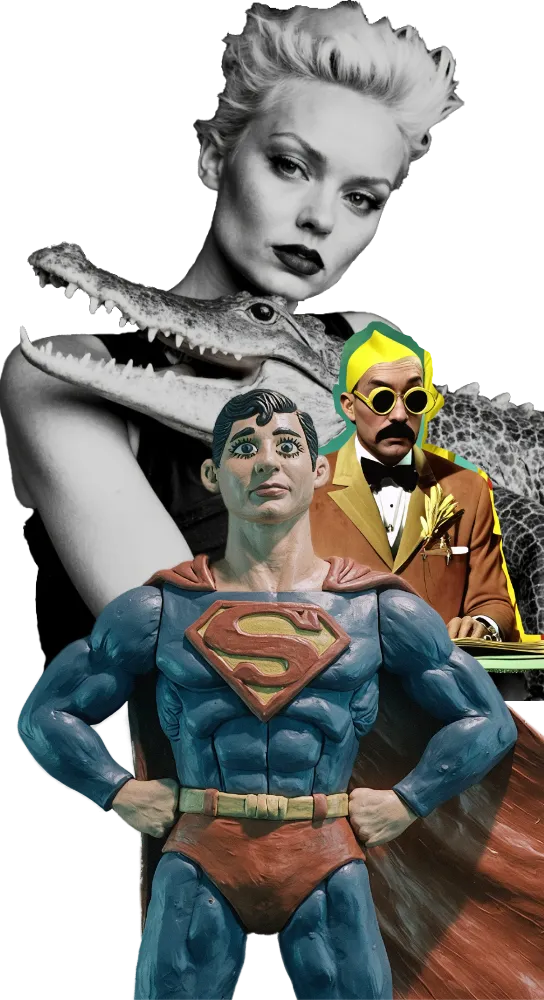
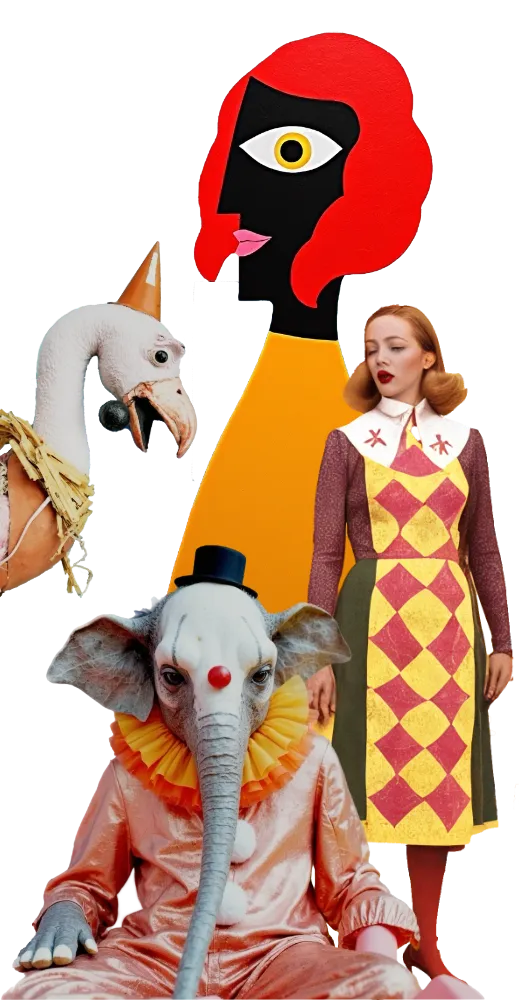
In another example, thanks to reference images, FLUX.2 Dev can generate collage art done right without the need for style LoRAs:

FLUX.2 Dev can do so much more, but this announcement is getting much longer than I planned to. if you are interested, I published, as usual, the result of my research on the Discord server for the Early Access Program Members.
I had to pause this exploration of FLUX.2 Dev to focus on this prerelease and the winter holidays, but I’ll go back to it in January, as I believe we just scratched the surface.
Modernized Hand Detailer, Face Detailer, and Object Swapper functions
Open Creative Studio 14.0 Early Access 3 introduces support for the Meta SAM3 segmentation model.
This model replaces the now-ancient YOLO models, fine-tuned to recognize hands and faces, previously used in the Hand Detailer, Face Detailer, and Object Swapper functions.
SAM3 can recognize a huge number of elements in a source image without the need for any fine-tuning. The custom node suite adopted by Open Creative Studio for the task enables fully-automated text segmentation (aka based on a prompt) which is significantly more precise than the previous solutions.
Once SAM3 generated the appropriate masks, these are passed to the rest of the function for automated inpainting. And here we have the second part of the modernization effort.
In the previous version of Open Creative Studio, the Hand Detailer, the Face Detailer, and the Object Swapper functions, would use Stable Diffusion 1.5 and Stable Diffusion XL (or a fine-tuned version of it) to perform the task. That was necessary to guarantee the compatibility with certain obscure inpainting pre-processors never trained to work with newer image generation models.
As a result, those functions have slowly decayed into obsolescence, unable to generate details qualitatively competitive with, say, FLUX.1 Dev Fill or Qwen Image Edit.
But LanPaint allows us to use any image generation model as an inpainting model!
So, in this new Early Access 3, you’ll see the Hand Detailer and the Object Swapper functions using LanPaint + FLUX.1 Dev as new repainting engine.
To demonstrate the breakthrough this is, I recovered a very old image generated with SDXL and a collage style LoRA:

The particular collage LoRA I used here always generated whimsical but very messy images. I keep this image because fixing those malformed hands is an exceptional challenge that every inpainting approach previously used by Open Creative Studio failed to solve.
Even specific preprocessing models like MeshGraphormer (who remembers it?) failed to identify those extremities as hands in the first place.
SAM3, instead, had no problem with it and, with the right prompt, it managed to create a single mask around both hands:

So, the question now became: “Can FLUX.1 now fix that horror, guided by LanPaint?”
With a carefully selected configuration, yes it can:

Different LanPaint configurations generate different results, and if you are curious about the viable range, I published, as usual, the result of my research on the Discord server for the Early Access Program Members.
But, for the purpose of this post, it’s sufficient to say that this is the most credible inpainting job ever achieved for this image.
Now, some of you might ask: “Why are you waisting your time with targeted inpainting when you could simply ask an image editing model to do the job for you with a simple prompt?”
Yes, it could be done in that way. But:
- You lose control over the exact area you want to inpaint
- The image editing model can repaint the entire image in a slightly different way losing quality.
- The image editing model could do a less than impressive job
For example, the exceptional FLUX.2 Dev we mentioned above, when asked to fix the anatomy of the hands in this image, is not really sure about what to do, and this is the outcome:

So, no. At least in this particular example, SAM3 + LanPaint + FLUX.1 Dev (or an alternative mode) is a better option.
The same approach has been used for the Object Swapper function.
In that function, these three AI models together can perform very accurate object swapping without the need for extra ControlNet models:

The use of LanPaint also allows us to employ LoRAs for FLUX.1 Dev, as in this example:

Great, but what about the Face Detailer function?
Glad you asked.
The Face Detailer, too, is now leveraging SAM3 for face segmentation. However, this function has a much more complicated architecture than the Hand Detailer and the Object Swapper function. It automatically categorizes faces in two groups (small faces and large faces), re-generating each group according to distinct settings.
I need more time to assess if LanPaint can do a better job than the current solution based on SDXL. If it does, you’ll see the change in Open Creative Studio 14.0 Early Access 4, early next year.
Removed Functions and Features
Yes. We need to talk about the departures.
As I write it, Open Creative Studio 14.0 Early Access 3 sports four local image generation pipelines (FLUX.2 Dev, FLUX.1 Dev, Qwen Image 1, and Stable Diffusion XL), plus two cloud image generation pipelines (OpenAI gpt-image-1 and Google Nano Banana).
FLUX.1 Dev will remain for a while, as we wait for the AI community to produce a rich catalog of LoRAs and other models for FLUX.2.
Open Creative Studio could host even more models, but a wider choice is not necessarily better for all of us. The more models, the harder is to setup the workflow, and the more complicated becomes the decision about what model to choose.
With this in mind, I made the difficult decision to remove Stable Diffusion 1.5.
It is obviously supported in Open Creative Studio 13.0, available now for free, but it won’t be available when Open Creative Studio 14.0 is released.
What Else?
What about Z-Image Turbo???
I know the community loves the speed of this model but, after some early evaluation, I have serious concerns about the quality of the images it generates.
As many of you know, Open Creative Studio strives to unlock the highest possible quality out of generative AI, and Z-Image Turbo is not quite matching the bar I set for the workflow.
Hence, I was simply waiting for the Z-Image Base model to be released, and the plan is to include it in one of the upcoming Early Access prereleases before Open Creative Studio 14.0 full release.
Z-Image Base is not here yet, and I think we waited long enough to close this 2025.
Previously…
Read about all the other new features introduced in Open Creative Studio 14.0 Early Access 1 and Open Creative Studio 14.0 Early Access 2.
Those of you who are Early Access Program Member can download the workflow from the Discord server right now.
(if never joined the Early Access Program before, please know that you’ll automatically receive an email to join the Open Creative Studio Discord server)
Have fun with Open Creative Studio, and happy holidays!
Alessandro